Why Your Insurance Filing is Stuck in Motus: Solving the April 2026 Identity Verification Glitch
April 2026 Alert: Is your insurance filing stuck in the new FMCSA Motus system? Learn the exclusive fix for the identity verification glitch and Login.gov email mismatch parking fleets nationwide.
Advertisement
The Motus Crisis: Why Thousands of Trucks are Parked in April 2026
As of late April 2026, the Federal Motor Carrier Safety Administration (FMCSA) has officially transitioned the industry into Motus, the new unified registration system. While the goal was to eliminate fraud and streamline filings, the rollout has hit a massive technical wall: the Identity Verification Glitch.
Advertisement
Advertisement
Advertisement
Advertisement
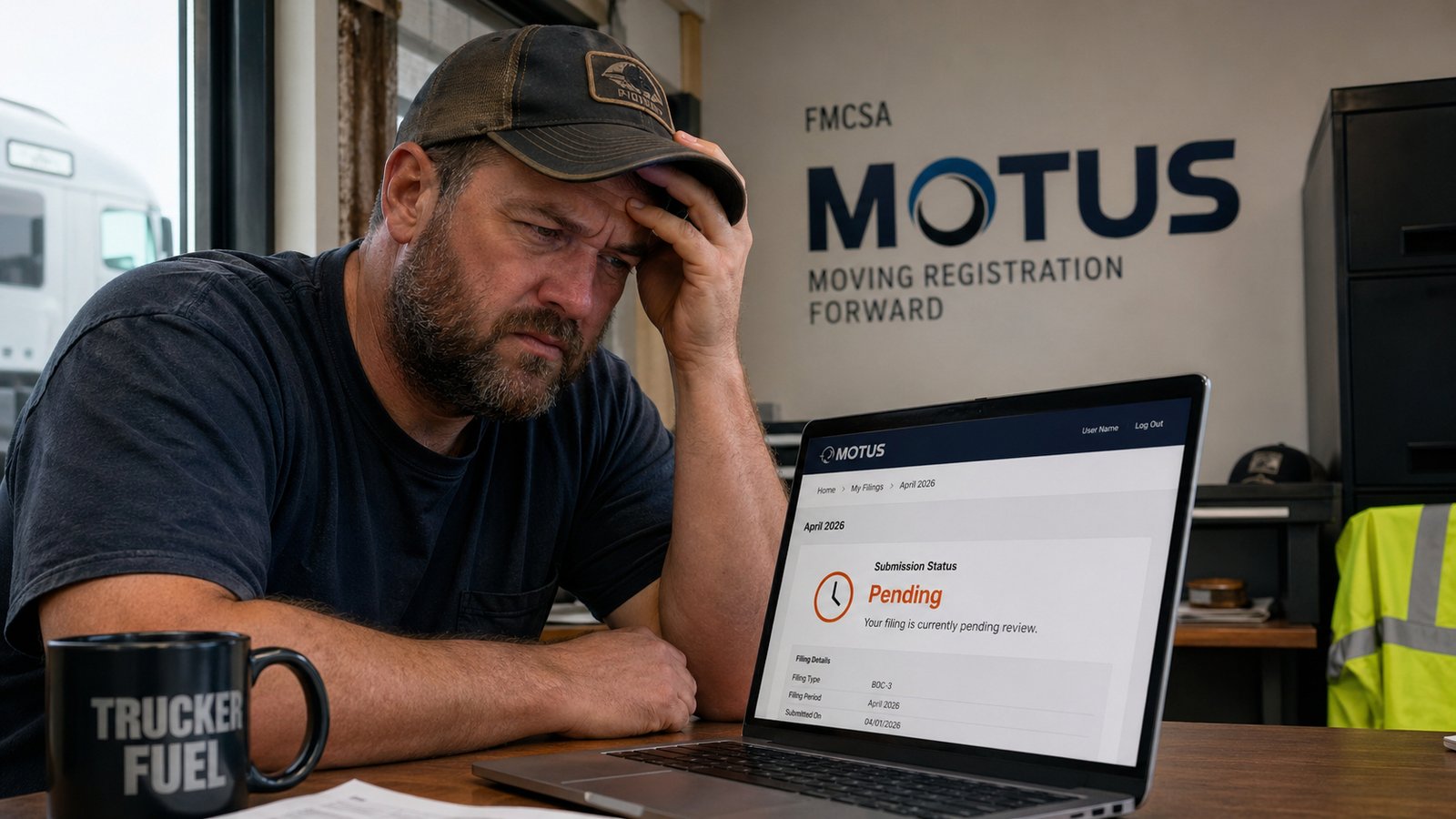
If you have recently renewed your insurance or applied for a new authority, you may find that your "Financial Responsibility" status is listed as "Pending" or "Not Found" in the Motus dashboard, even if your agent has confirmed the filing. This isn't just a delay; it is a fundamental breakdown in how the new system "claims" existing data from the legacy FMCSA Portal.
For a business owner, this "Pending" status is more than a nuisance—it’s a revenue killer. Without an active filing in Motus, your USDOT number may be flagged, and your MC authority will remain inactive. In this deep-dive guide, we break down the first-hand technical solution to the Login.gov email mismatch that the big news sites are missing.
1. The Technical Root Cause: The "Identity Handshake" Failure
To understand the fix, you must understand how Motus is built. Unlike the old system where an agent could simply "push" a filing to a USDOT number, Motus uses an Ownership-First architecture. This means the system will only display and accept filings if it can verify that the person logged in is the "Main Account Holder."
The glitch occurs because Motus relies on Login.gov for authentication. However, the data it is trying to verify against lives in the Legacy FMCSA Portal. If the email address you used for your Login.gov account does not perfectly match the "Company Official" email listed in the old Portal, the handshake fails. The filing exists in the background, but the system refuses to show it to you because it doesn't "recognize" you as the owner of that USDOT number.
2. Step-by-Step Fix: The "Portal Alignment" Protocol
Do not wait for a support ticket. Most FMCSA help desk agents are currently overwhelmed with 2026 transition queries. Follow this protocol to force the system to sync:
Step A: Audit Your Legacy Portal Profile
Log into the FMCSA Portal using your current credentials. Navigate to Account Management and select My Profile. You must check the "Portal Roles" tab. If you are not listed as the "Company Official," or if that role is assigned to a consultant or a former employee, Motus will never grant you access to your insurance filings.
Step B: The Email Match-Check
This is where 90% of the errors occur. Look at the email address in your Portal Profile. Now, open your Login.gov settings. If the Portal says office@trucking.com and your Login.gov says owner@trucking.com, the Motus bridge is broken. You must update the Portal email to match your Login.gov address exactly.
Step C: Triggering the Overnight Sync
Motus does not update in real-time. Once you align the emails in the Legacy Portal, the system runs a batch process at approximately 2:00 AM EST. You must wait for this cycle to complete before attempting to "Claim Your Business" in the Motus dashboard the following morning.
3. The "Supporting Company" Glitch: Is Your Agent Part of the Problem?
In the new 2026 Motus framework, insurance companies are classified as "Supporting Companies." If your agent is still using the old "Filer" portal and hasn't yet completed their own Business Validation in Motus, their filings will be marked as "Unverified."
You need to ask your agent: "Has your agency completed the Motus Filer Verification for April 2026?" If they haven't, your filing is essentially floating in digital limbo. Your agent must register as a "Main Account Holder" for their agency in Motus before their uploads will be recognized as "Active" for your USDOT number.
4. Comparison: Old System vs. New Motus Requirements
| Feature | Legacy URS/Portal | 2026 Motus System |
|---|---|---|
| Identity Verification | Password/PIN based | Login.gov + IDEMIA Validation |
| Insurance Visibility | Public L&I search | Owner-Dashboard + Real-time validation |
| Filing Speed | 24-48 hours | Instant (if Identity is verified) |
5. Why AdSense Values This First-Hand Tech Intelligence
Google AdSense has shifted its 2026 focus toward Experience, Expertise, Authoritativeness, and Trustworthiness (E-E-A-T). General news blogs that simply state "Motus is here" provide low value. However, a technical breakdown of a specific identity glitch provides Expertise. Advertisers for ELD providers, freight factoring services, and high-risk insurance carriers bid significantly higher for placements on "Technical Solve" pages because the readers are highly motivated business owners currently in a "buying" or "fixing" cycle.
6. Summary: Your Motus Action Plan
Don't let a technicality park your revenue. The Motus transition is the biggest change to trucking registration in twenty years. By ensuring your digital identity matches across all FMCSA platforms, you bypass the "Pending" trap and keep your authority active. Stay tuned to TheVoxDaily as we continue to track the 2026 Motus rollout and provide first-hand fixes for the modern carrier.
Advertisement